How to Create Your Custom Score Tracker on Scor'Pion
Tailor Scor'Pion to any board game by setting up customized score sheets.
Before You Begin
Note: Before creating your own custom tracker, it is highly recommended to play a few games using existing Scor'Pion sheets to get familiar with the system.
Harmonies or 7 Wonders
Great for understanding point breakdowns (cards, buildings, tokens).
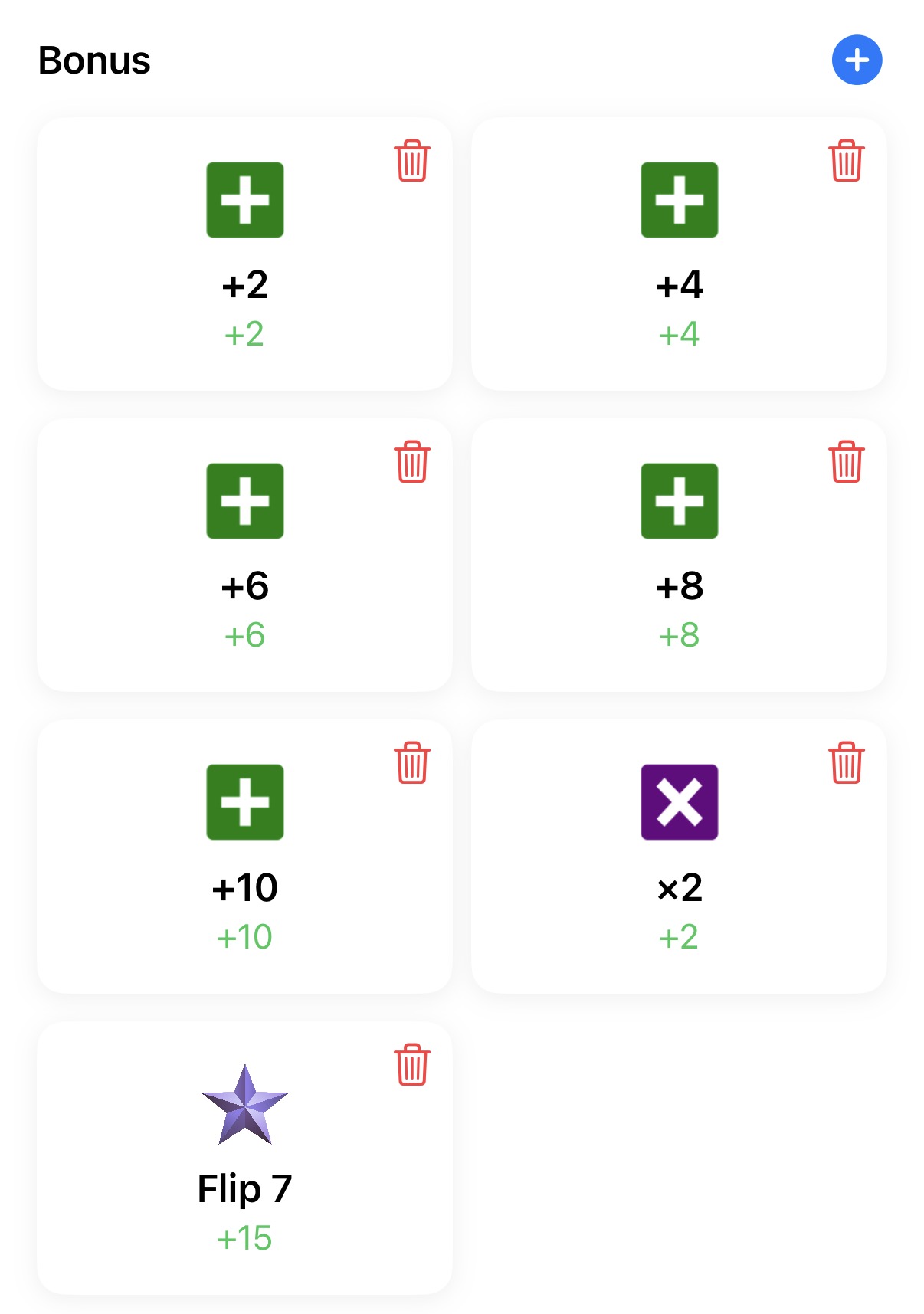
Flip 7
Ideal to discover secondary scoring modifier rules.
Mölkky or Skyjo
Excellent examples of rules triggering player elimination or score resets.
1. Creation Workflow
Search Existing Trackers
From the home screen, tap 'Play' and search for your game. If it exists, test it out. If missing or unsuitable, tap 'Create'.
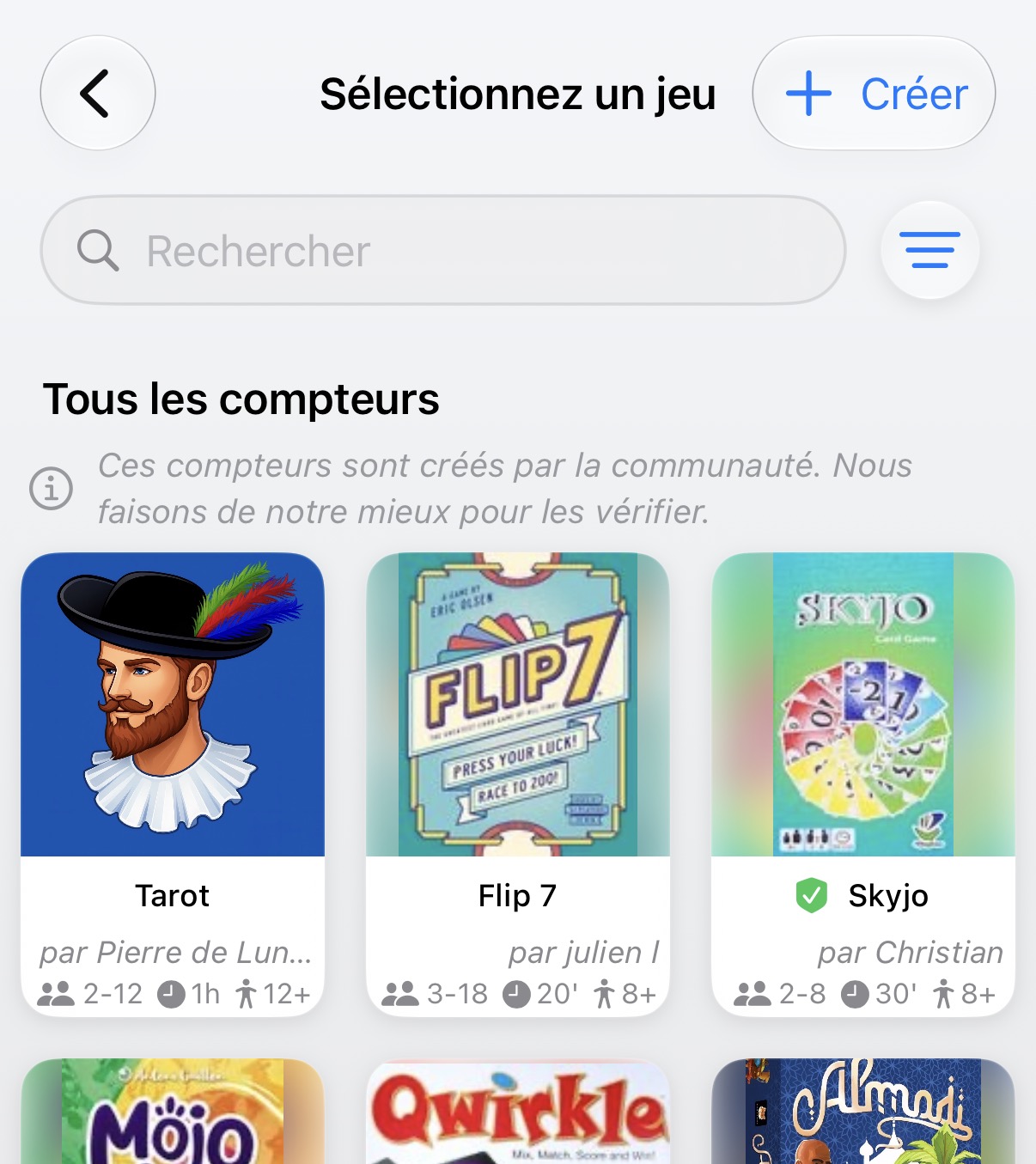
Select the Game
Pick your game from the global database to link official metadata.
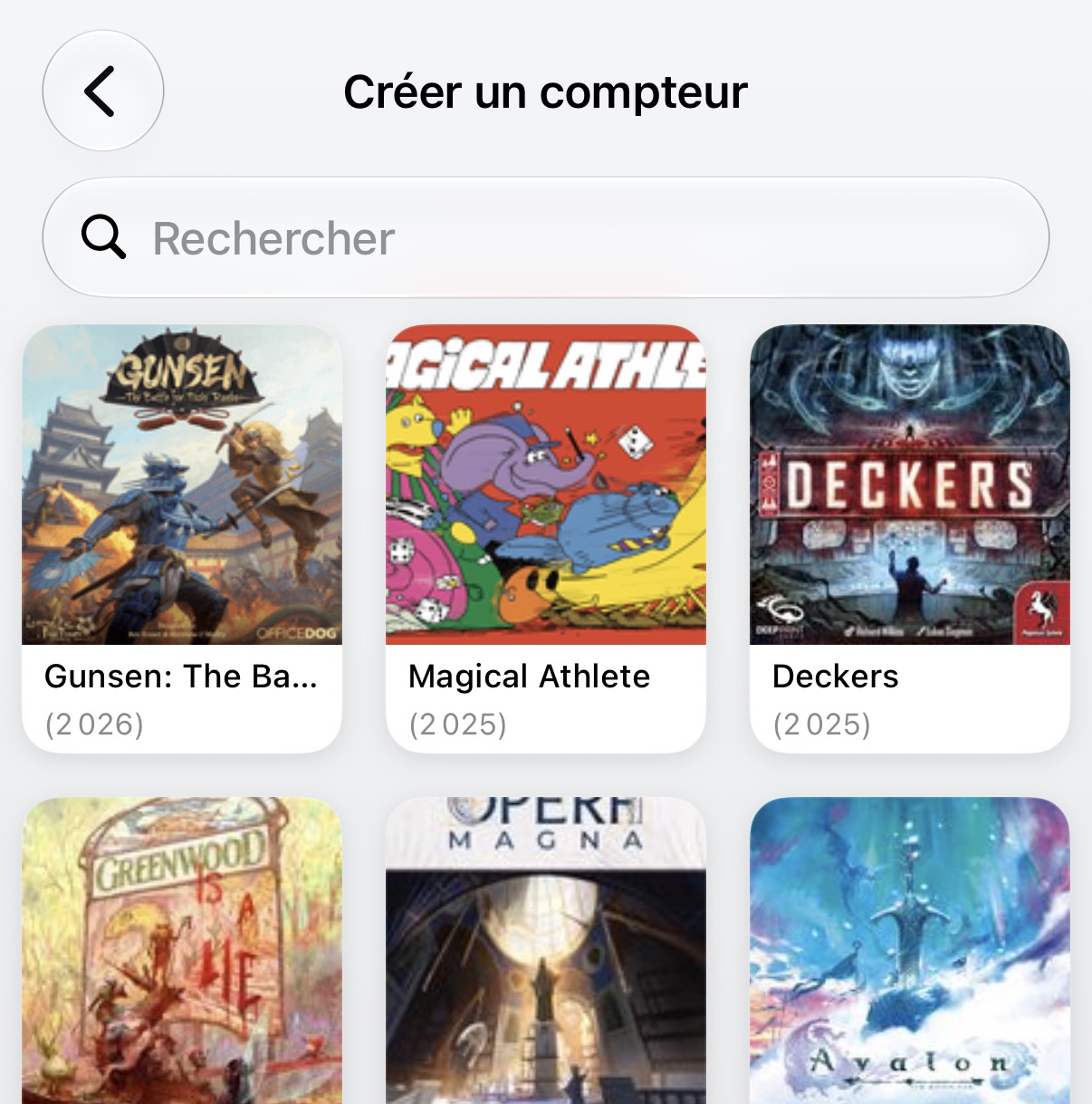
AI Auto-Generation
Describe the game's scoring logic in plain text. The AI assistant will build an initial structured tracker automatically.

Review & Fine-Tune
Check generated fields, adjust categories or rules manually, then confirm.
Test & Refine
Run a test match to ensure input smooth operations and tweak if needed.
2. Detailed Configuration
⚙️ General Settings
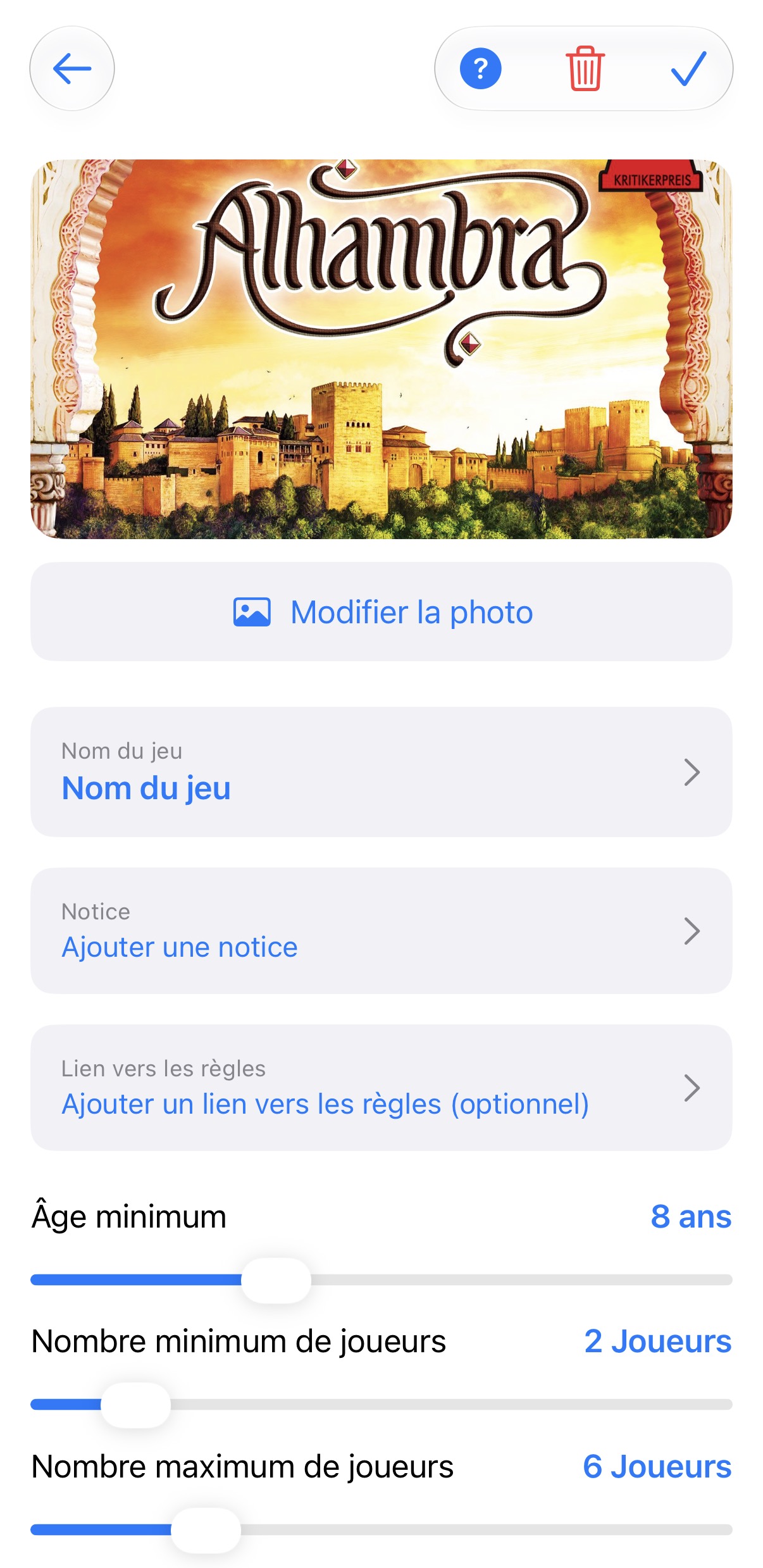
Game Sheet Metadata
Game name, guide notes, official rules link, minimum age, player count, and average duration.
Timer Management
Configure automated timers and hourglasses per player or turn.
🏆 Core Gameplay Logic
Victory Condition
Set highest score wins (e.g. 7 Wonders) or lowest score wins (e.g. Skyjo).
Team Play
Specify whether matches are solo or team-based, with shared or individual score tallies.
Dealer Token
Toggle visual tracking of the dealer/first player marker.
Initial Scores
Set starting point balances if required.
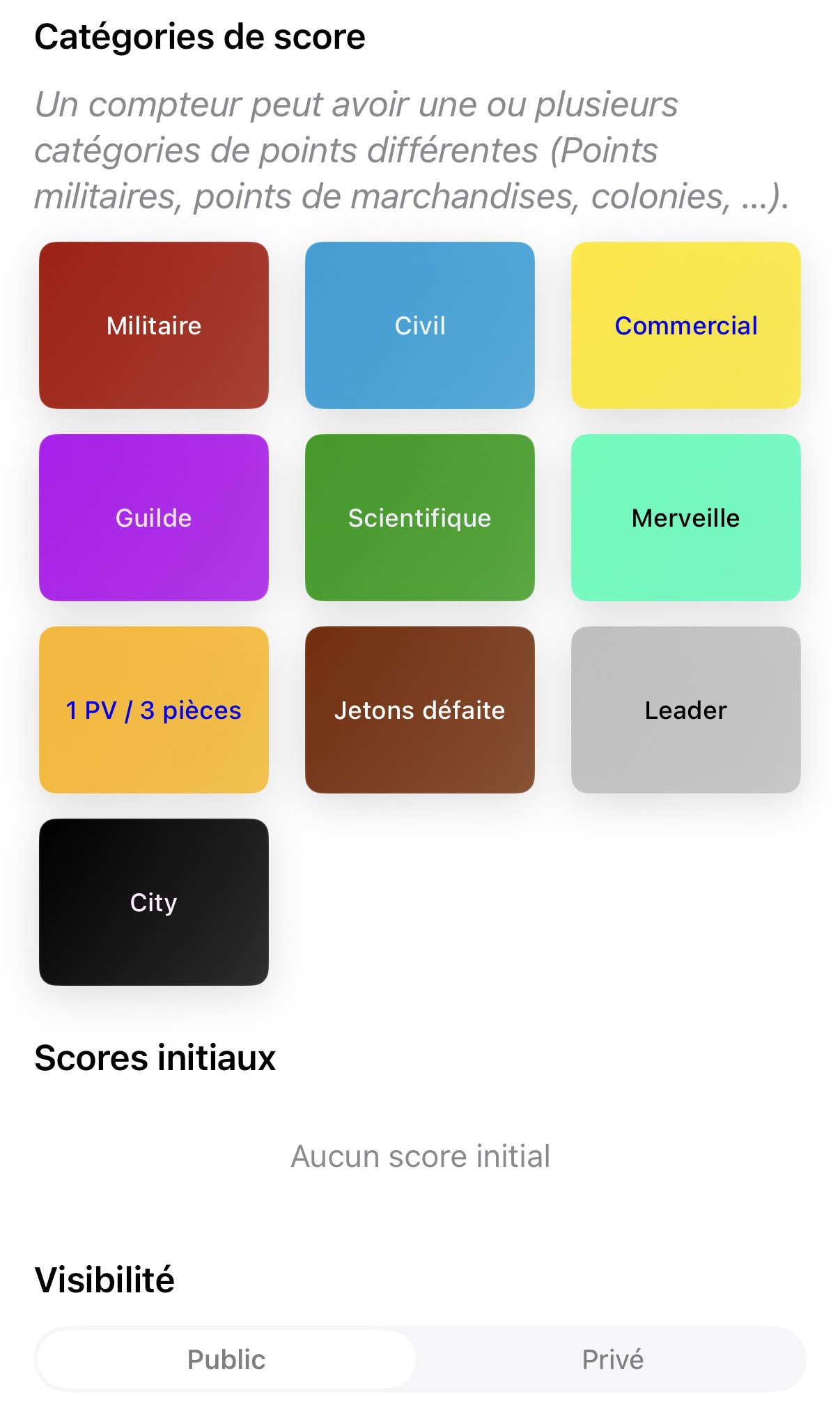
Scoring Categories
This is where the full power of Scor'Pion lies!
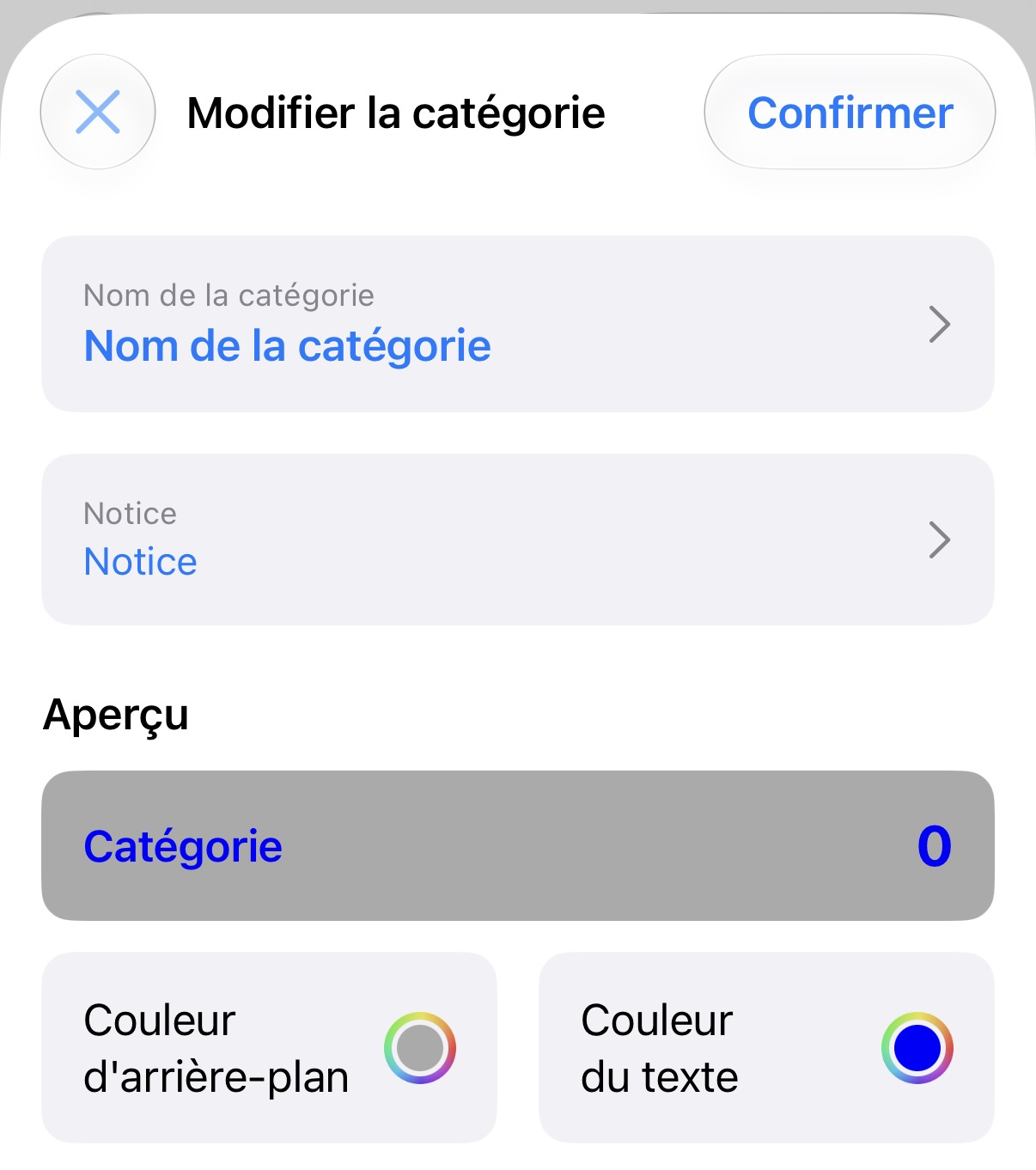
Visual Design
Category name, popup tooltip guide, background color, text color, and custom decorations.
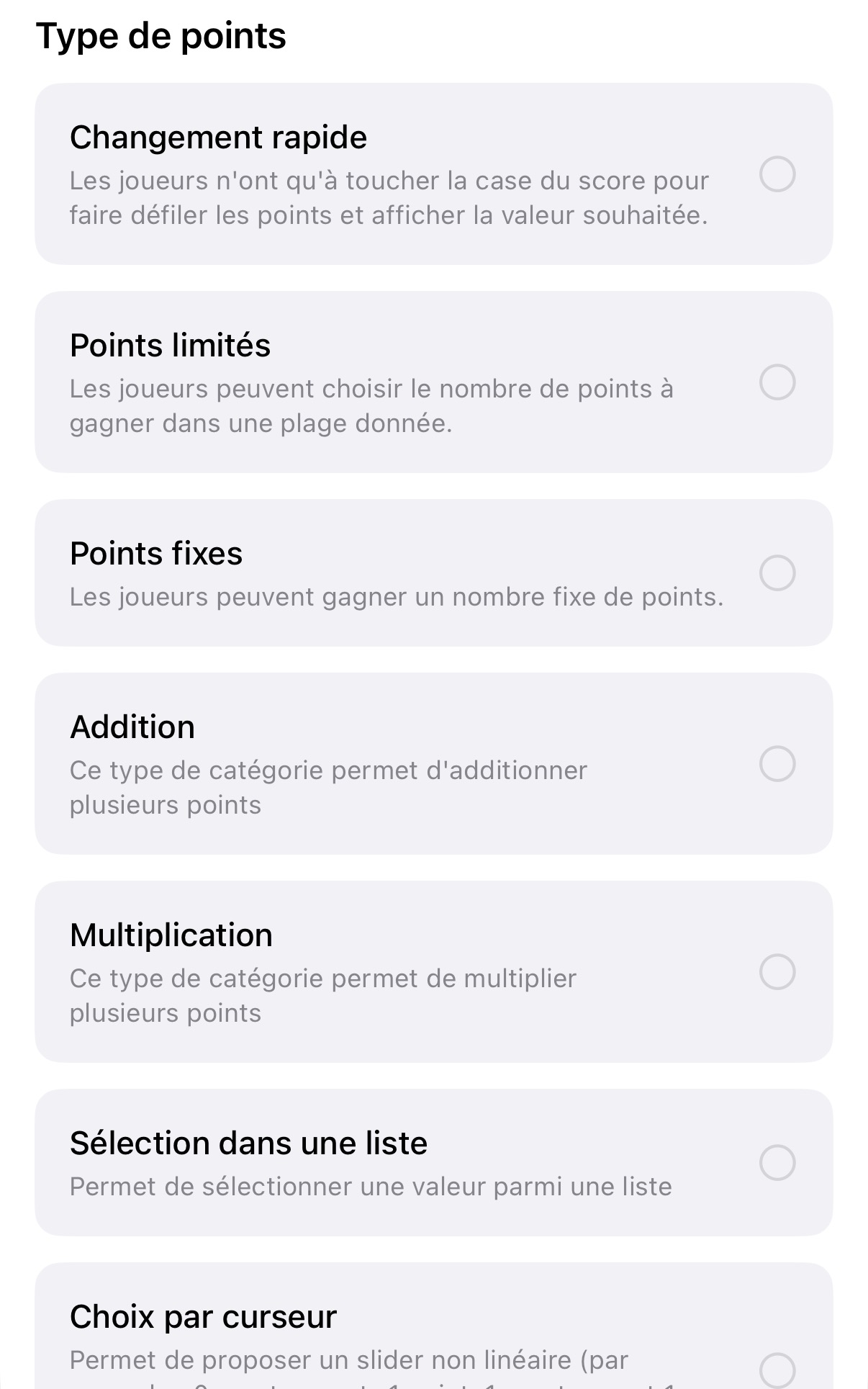
Point Entry Types
Select the best input layout for effortless score entry during games.
- Direct numeric input (keyboard)
- Incremental counter (+1 / -1)
- Step values or multipliers
- Checkboxes / Radio buttons
Optional Bonuses & Penalties
Add flexible options to grant bonus or penalty points based on secondary objectives.
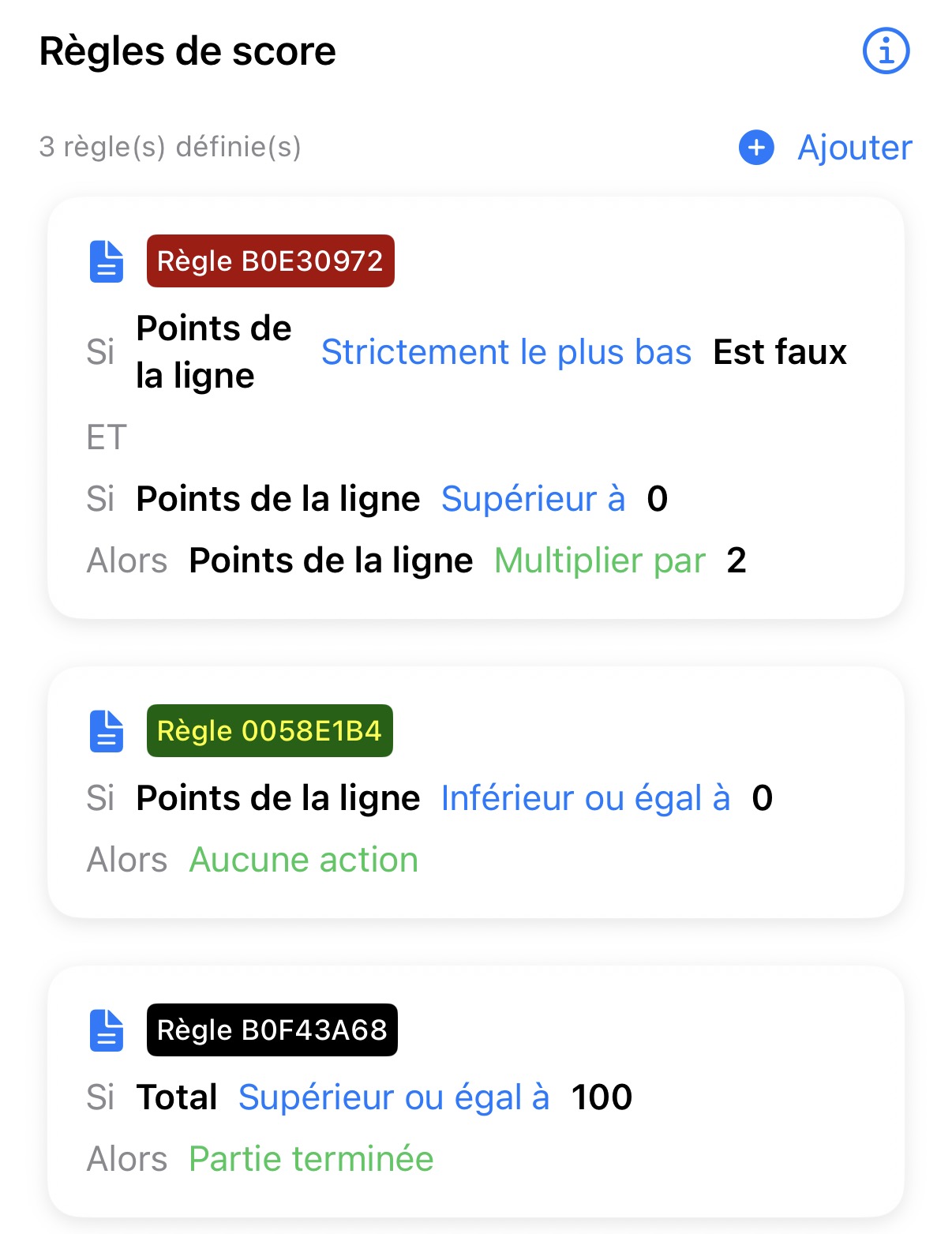
Dynamic Scoring Rules (Scripts)
Build automated rules that execute specific actions when score thresholds or conditions are met.
Ready to Build Your First Counter?
Download Scor'Pion and start customizing your score sheets today.